How to Optimize Your Google Business Profile
If you want your business to show up when people search “near me,” your Google Business Profile (formerly Google My Business) isn’t just a box to check, it’s your digital front door. And if it’s empty, outdated, or misaligned? You're not just missing clicks. You're handing customers to your competitors.
Use this checklist to review your Google Business Profile categories, business information, services, photos, reviews and contact links. Start with accurate facts and the questions your customers need answered.
Start With Accurate Profile Information
A useful Google Business Profile helps customers understand what you do, where you work and how to contact you. Start with accurate business information, then review the details that help people decide whether you are the right provider. This checklist covers profile categories, services, photos, reviews and supported contact links. Google says local results mainly depend on relevance, distance and prominence. Profile improvements do not remove distance or guarantee a position in the map results. If you want help implementing the checklist, our Google Business Profile optimization service explains the work to review before making changes.

What Google Really Wants to See in Your Business Profile
Review the profile when services, hours, contact details or other business facts change. Regular checks can identify outdated information and unanswered customer feedback; a fixed monthly editing schedule is not a ranking guarantee. The sections below explain what to check and how to keep updates useful to customers.
Categories: The Starting Point for Relevance
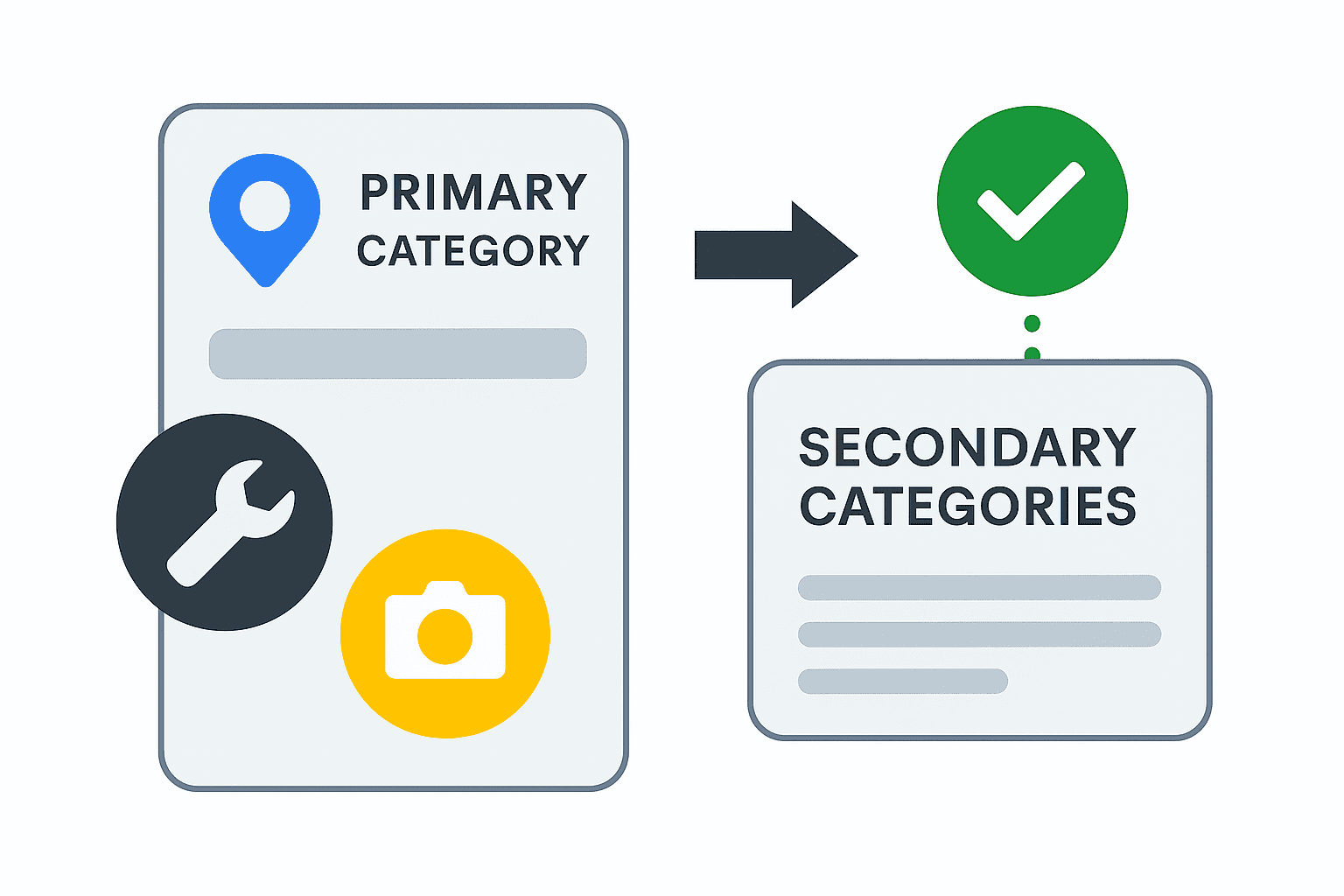
Choose the most specific available primary category that describes the business as a whole. Add only available secondary categories that accurately describe the business. Individual services belong in the services section where supported. Missing visibility does not prove a category is wrong. Check the available categories, the business's actual activities and competing profiles before recommending a change. A local SEO competitor analysis can document observed category and service differences; those observations do not prove why a profile ranks.
Services and Products: Don’t Skip This Section
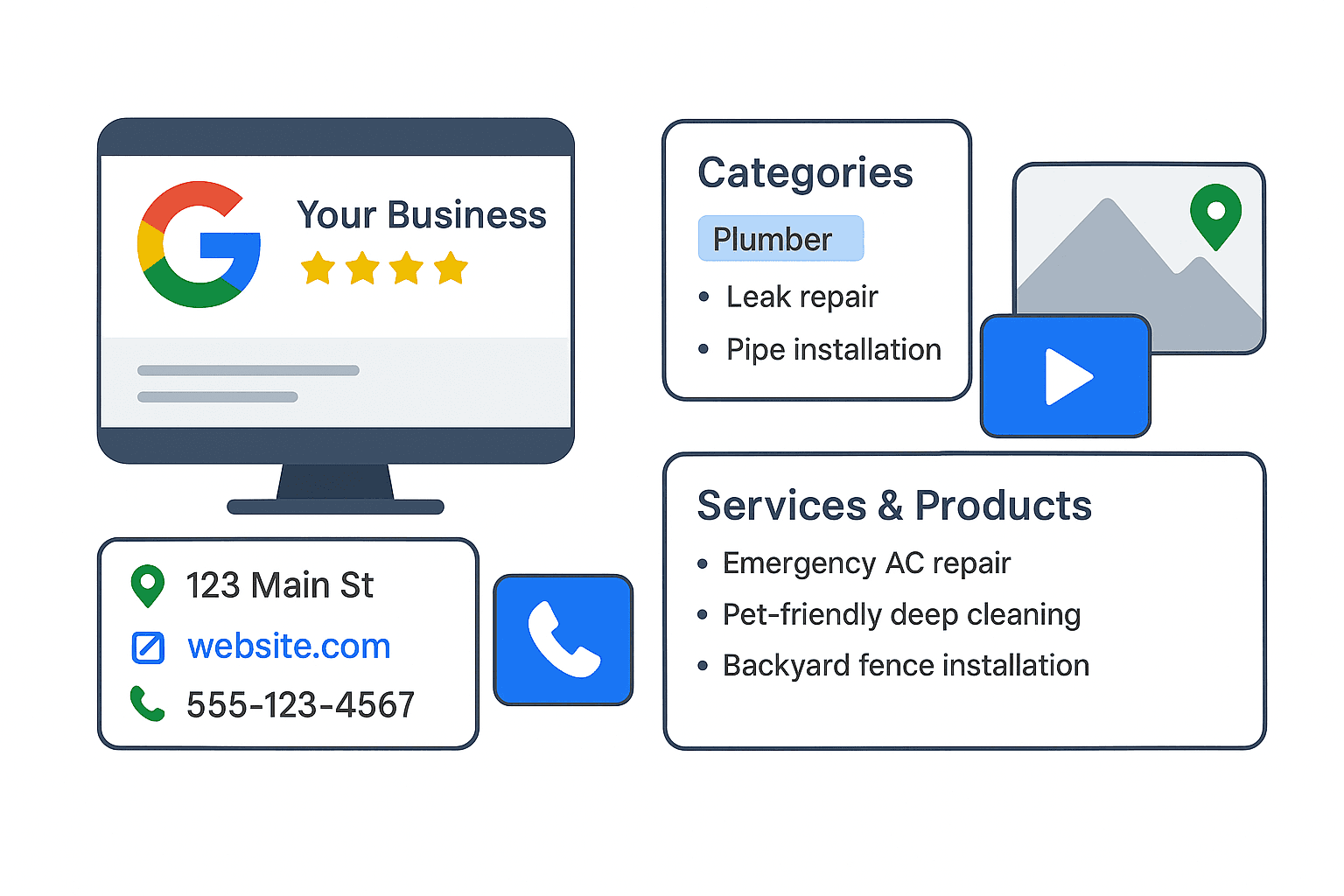
Use the services section to describe the work you actually offer. Keep service names and descriptions clear; listing a location does not establish visibility throughout that area. Examples might include emergency AC repair, pet-friendly deep cleaning or backyard fence installation, if these accurately describe your services. Add current prices or booking details only where the relevant profile feature supports them.

Business Info That Builds Trust
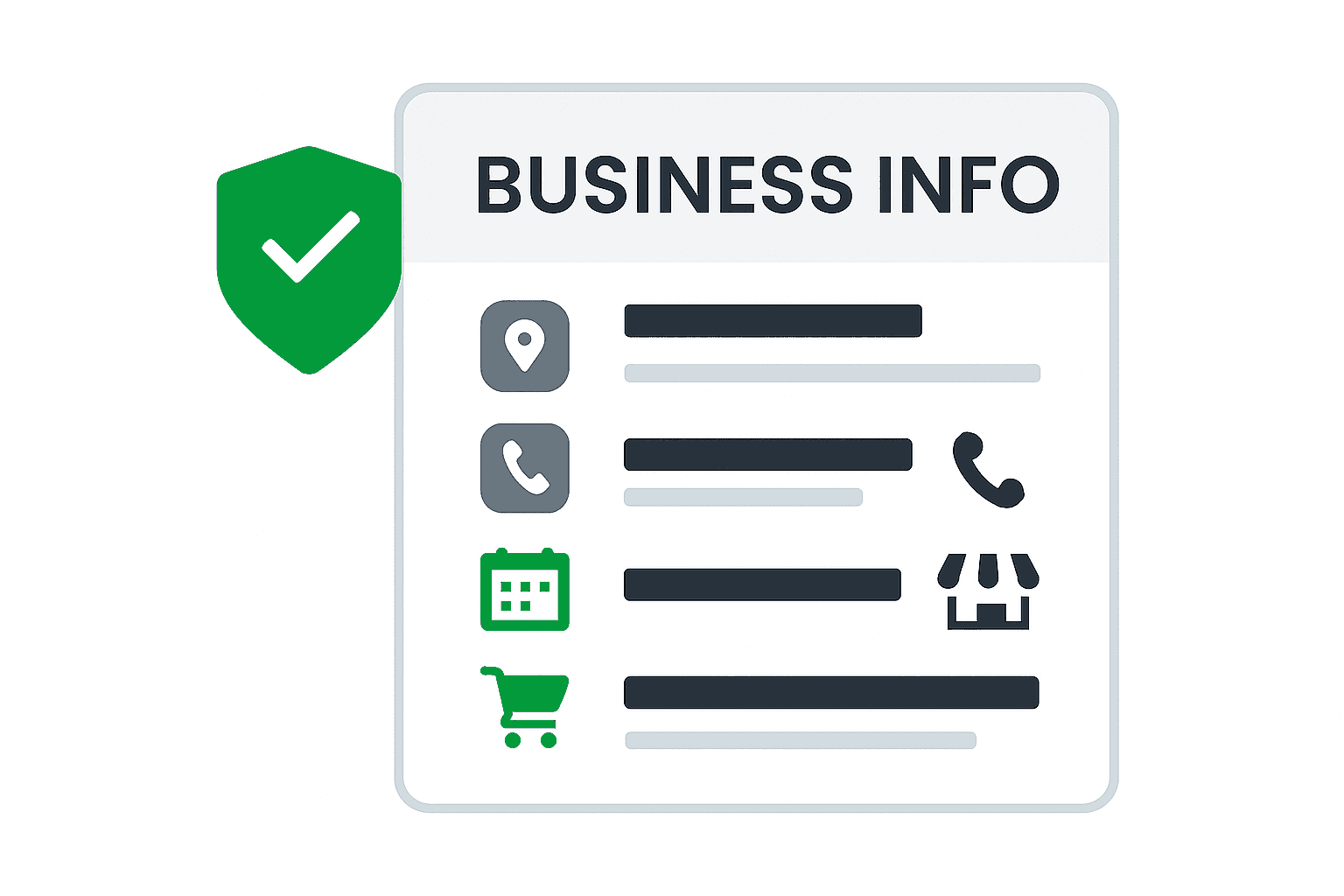
Keep your business name, address and phone information accurate on your profile and important listings. Incorrect details can confuse customers; a discrepancy alone does not prove why a page or profile ranks poorly. Confirm normal and holiday hours, the website URL, and supported booking or ordering links. Describe the business and services clearly in the business description, without repeating location terms or promotional claims. Review discrepancies against information confirmed by the business before requesting corrections.
Photos and Videos That Represent Your Business
Use current, relevant photos of your real team, location, products or work, with permission where needed. Choose a maintenance schedule based on useful updates, not a promised ranking effect. We do not treat embedded coordinates, repeated location terms or a fixed number of uploads as a proven route to higher local rankings.
Answer Customer Questions Clearly
Check which question-and-answer features are currently available for your profile. Where customers can ask questions, monitor them and provide accurate, helpful replies. Do not impersonate customers or repeat keywords to influence rankings. Put essential answers on your website as well, so customers can find them even when profile features change.
Useful questions to answer on your website include whether appointments are available on weekends, how to book online and what customers should know before visiting. Confirm each answer with the business, keep availability current and link to the appropriate service or booking details. Clear answers help customers decide what to do next; they are not a keyword-ranking tactic.
Request Genuine Reviews and Respond Helpfully
Ask genuine customers consistently for honest feedback about their experience, in their own words. Do not require a rating, service phrase or location term, and do not offer incentives or filter requests to satisfied customers only. Respond helpfully and keep private customer information out of public replies. More reviews and positive ratings can help local visibility, but no review wording guarantees a ranking. Our review management service explains the request and response process.
Booking, Ordering, and CTA Links
Use accurate website, booking, ordering and contact links where they are supported for your business category and region. Test each destination and keep hours and availability current. Offer a messaging option only when it is available and someone can respond reliably. These features help customers take the next step; more clicks or bookings do not by themselves prove or guarantee a ranking improvement. Measure received inquiries and completed bookings separately from button interactions.
What’s the ROI of a Website Click?
Knowing how many clicks you’re getting is one thing. But what’s the value of those clicks?
We’ll help you figure that out using simple math:
How many site visits turn into real customers?
How much is each customer worth to you?
How many actions does it take to land one sale?
Illustrative example, not a client result: 100 website visits lead to 10 calls, and one of those calls becomes a customer. If that customer’s total value is $1,000, the scenario represents $1,000 divided by 100 = $10 in customer value per website visit before costs. It is not $100 per visit. If the $1,000 is lifetime value, it is not revenue earned during the reporting month. To evaluate return, use your own received inquiries, customers, attributable revenue or margin, and acquisition costs. Platform clicks and call-button interactions are not the same as answered calls or booked work.
See What Your Website Visitors Are Really Doing
UTM parameters label traffic from tagged links in analytics; they do not identify every visitor or prove that a booking occurred. Where configured and permitted by consent, analytics and call tracking can help compare website activity and received calls. Keep source definitions and reporting periods consistent. Missing consent, untagged links, cross-device journeys and offline decisions limit attribution. Report clicks, received inquiries and confirmed bookings separately, and verify business outcomes against the business’s records.
Use this guide to identify profile corrections, then review the website, listings and competition before deciding on a broader local search campaign. Our local SEO services overview explains how the different services fit together.
What Is a Google Business Profile?
A Google Business Profile displays business information in Google Search and Maps, such as your name, hours, services, photos, reviews and contact options. Eligibility and available features depend on the business. Having a profile does not guarantee that it appears in the three-result Map Pack for a particular search. Keep the information accurate and useful so customers can decide whether and how to contact you.
What Google Really Wants to See in Your Business Profile
Review the profile when services, hours, contact details or other business facts change. Regular checks can identify outdated information and unanswered customer feedback; a fixed monthly editing schedule is not a ranking guarantee. The sections below explain what to check and how to keep updates useful to customers.
Categories: The Starting Point for Relevance
Choose the most specific available primary category that describes the business as a whole. Add only available secondary categories that accurately describe the business. Individual services belong in the services section where supported.
Missing visibility does not prove a category is wrong. Check the available categories, the business's actual activities and competing profiles before recommending a change. A local SEO competitor analysis can document observed category and service differences; those observations do not prove why a profile ranks.
Services and Products: Don’t Skip This Section
Use the services section to describe the work you actually offer. Keep service names and descriptions clear; listing a location does not establish visibility throughout that area. Examples might include emergency AC repair, pet-friendly deep cleaning or backyard fence installation, if these accurately describe your services. Add current prices or booking details only where the relevant profile feature supports them.
Business Info That Builds Trust
Keep your business name, address and phone information accurate on your profile and important listings. Incorrect details can confuse customers; a discrepancy alone does not prove why a page or profile ranks poorly. Confirm normal and holiday hours, the website URL, and supported booking or ordering links. Describe the business and services clearly in the business description, without repeating location terms or promotional claims. Review discrepancies against information confirmed by the business before requesting corrections.
Photos and Videos That Represent Your Business
Use current, relevant photos of your real team, location, products or work, with permission where needed. Choose a maintenance schedule based on useful updates, not a promised ranking effect. We do not treat embedded coordinates, repeated location terms or a fixed number of uploads as a proven route to higher local rankings.
Answer Customer Questions Clearly
Check which question-and-answer features are currently available for your profile. Where customers can ask questions, monitor them and provide accurate, helpful replies. Do not impersonate customers or repeat keywords to influence rankings. Put essential answers on your website as well, so customers can find them even when profile features change.
Useful questions to answer on your website include whether appointments are available on weekends, how to book online and what customers should know before visiting. Confirm each answer with the business, keep availability current and link to the appropriate service or booking details. Clear answers help customers decide what to do next; they are not a keyword-ranking tactic.

Request Genuine Reviews and Respond Helpfully
Ask genuine customers consistently for honest feedback about their experience, in their own words. Do not require a rating, service phrase or location term, and do not offer incentives or filter requests to satisfied customers only. Respond helpfully and keep private customer information out of public replies. More reviews and positive ratings can help local visibility, but no review wording guarantees a ranking. Our review management service explains the request and response process.
Booking, Ordering, and CTA Links
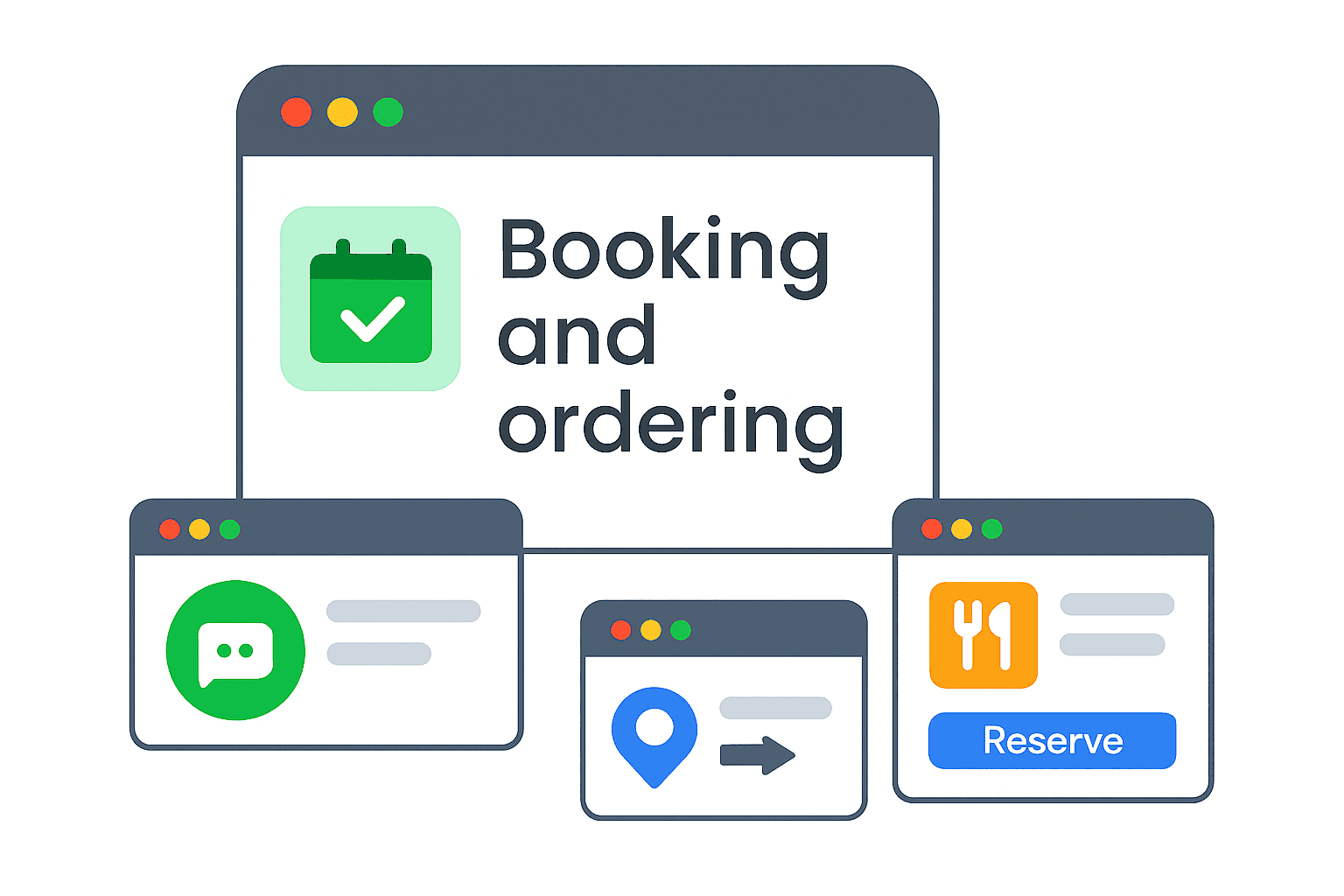
Use accurate website, booking, ordering and contact links where they are supported for your business category and region. Test each destination and keep hours and availability current. Offer a messaging option only when it is available and someone can respond reliably. These features help customers take the next step; more clicks or bookings do not by themselves prove or guarantee a ranking improvement. Measure received inquiries and completed bookings separately from button interactions.
How This Helps You Rank Locally
Google describes relevance, distance and prominence as the main local ranking factors. Relevance concerns how well the profile matches the search. Distance concerns the business’s location relative to the searcher. Prominence concerns how well-known the business is, including signals such as links and reviews. Accurate profile information can help Google understand the business, but optimization does not remove physical distance or guarantee a position. Our local SEO ranking factors guide explains these limits and the evidence to review.

See What Your Website Visitors Are Really Doing
UTM parameters label traffic from tagged links in analytics; they do not identify every visitor or prove that a booking occurred. Where configured and permitted by consent, analytics and call tracking can help compare website activity and received calls. Keep source definitions and reporting periods consistent. Missing consent, untagged links, cross-device journeys and offline decisions limit attribution. Report clicks, received inquiries and confirmed bookings separately, and verify business outcomes against the business’s records.

How Strong Is Your GBP?
Review your profile’s accuracy, useful content and contact options, then decide which changes need attention.