Schema Markup for Local SEO: A Beginner’s Guide
Schema markup might sound intimidating, it deals with code, after all. But you don’t need to be a developer to make it work for your business.
In fact, just understanding the basics of schema markup in local SEO can help you show up more clearly on Google, earn better results, and stand out in local search.
This guide breaks down what schema is, why it matters for local SEO, and how to use it to get discovered, without getting lost in the technical web world.

Why Schema Markup Matters for Local SEO
Structured data describes information on the page in a machine-readable form. Use it to represent accurate, visible content—not as a ranking guarantee or a substitute for useful pages. Check Google’s current documentation for each supported search feature. Adding markup does not by itself create a Business Profile, secure a Map Pack position, or guarantee a featured answer.
Map Pack rankings are not guaranteed
Featured answers are not guaranteed
Check each feature’s current requirements
Common Schema Types for Local Businesses
There are hundreds of schema types, but here are the ones that matter most for local service-based businesses and should be part of any schema implementation guide:
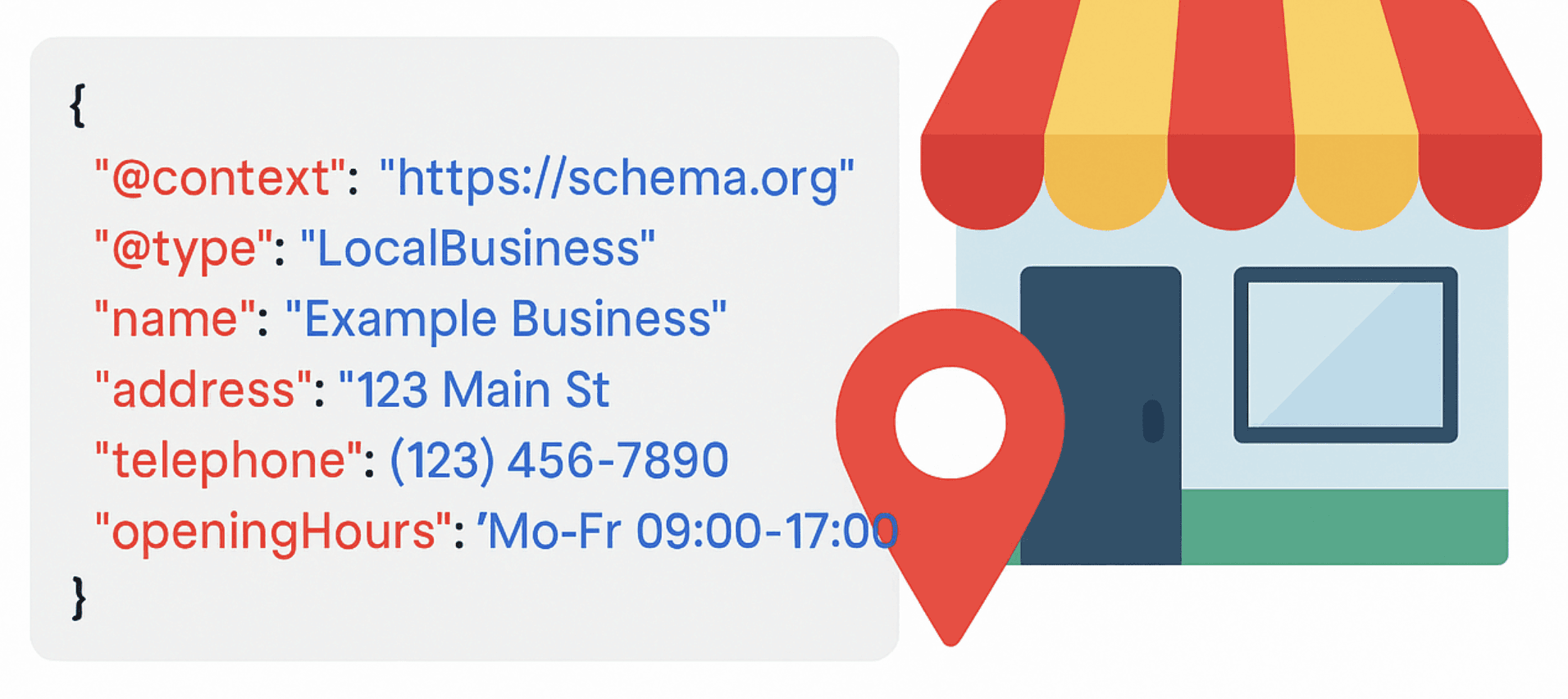
LocalBusiness Schema
Tells Google: You’re a local company serving a specific area.
Acts as a core schema for local business websites that you can use to mark up your business name, address, phone number, hours, and services.
Service Schema
Tells Google: What you do (e.g., “HVAC repair,” “Dental cleaning,” “Roof inspections”).
Use this on service pages to help Google understand your offerings more clearly.

Review & AggregateRating Schema
Review and AggregateRating describe review information that matches visible content and meets the relevant eligibility rules. Google does not show self-serving review snippets for LocalBusiness or Organization pages reviewing themselves, including reviews displayed through a third-party widget. Do not expect stars on your own business page. Read Google’s review snippet guidelines.

Event & Offer Schema
Tells Google: You’re offering something now, like a discount, sale, or seasonal promotion.
Use this to feature time-sensitive campaigns or specials.

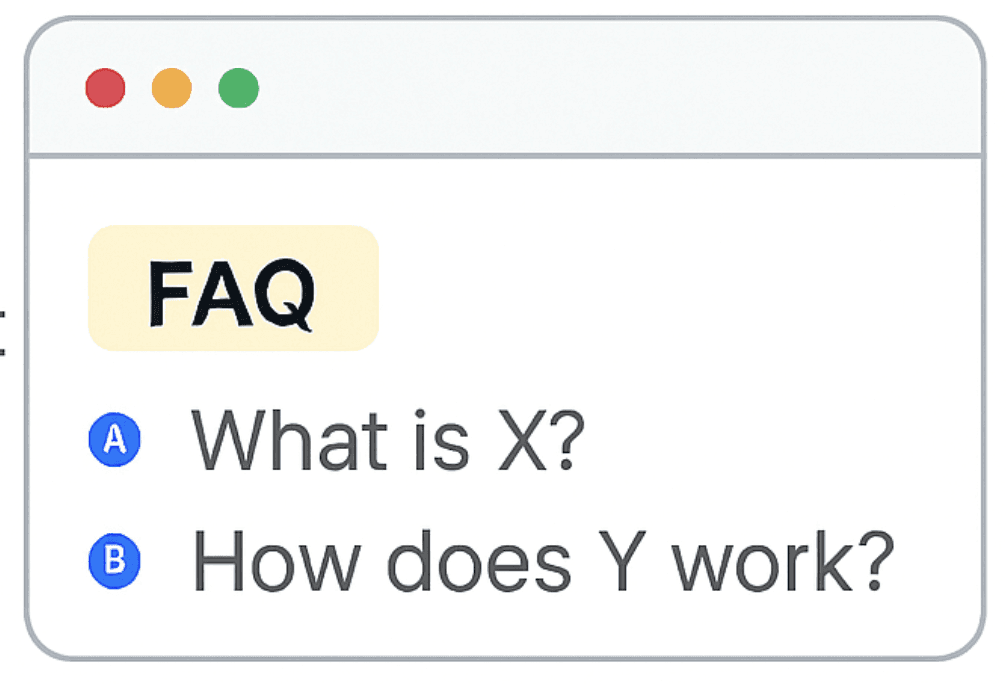
FAQPage Schema
FAQPage describes a visible list of questions and answers using Schema.org vocabulary. Google stopped showing FAQ rich results in May 2026. Keep useful FAQs for readers; do not sell FAQ markup as a way to obtain that retired feature. Google’s documentation updates record this change.
Best Practices for Schema Markup
(Without Getting Too Nerdy)
Validate markup before release and after relevant content changes. Google’s Rich Results Test checks supported Google search features; the Schema.org validator checks vocabulary and syntax more broadly. A valid result in either tool does not guarantee indexing, higher rankings or an enhanced search appearance. Keep markup consistent with the visible page.
Use Google's Markup Helper Tool
You can tag content visually without writing code
Keep Schema Updated
If your hours or service list change, update your schema too.
Stick to What’s Accurate
Don’t add fake reviews or offers. Google may penalize misleading schema.
Use JSON-LD Format (Google’s Favorite)
It’s easier to manage, less prone to break, and recommended by Google.
Validate Your Schema
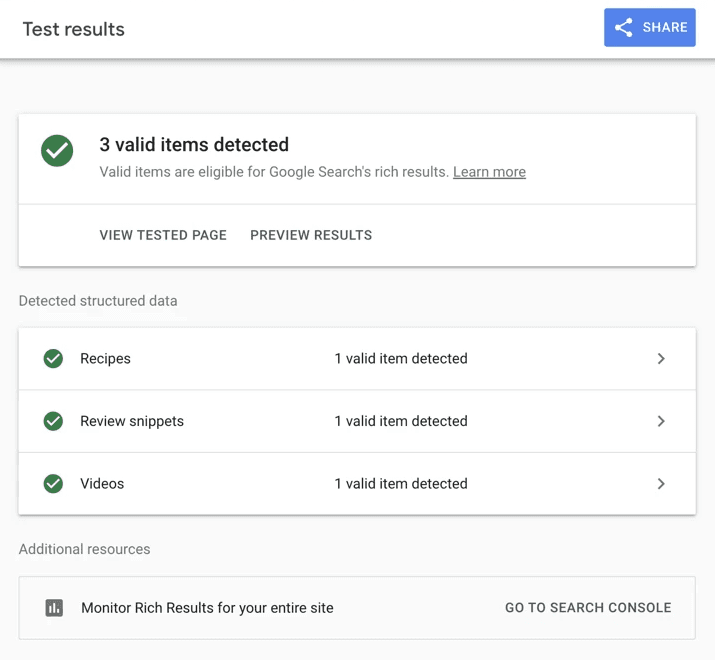
After adding markup, test your page using Google’s Rich Results Test:
Test your schema
Real Talk: Schema Alone Won’t Save You
Structured data supports an accurate website; it does not replace useful pages or business-profile work. Prioritize clear service information, consistent business details across relevant listings, genuine customer feedback, relevant editorial references, and accurate profile details with useful customer updates. Evaluate schema eligibility alongside those separate tasks, without treating markup or repeated keywords as a shortcut to rankings.
How Local Howl Uses Schema Strategically
Our local business schema audit and setup reviews existing markup against visible business facts, identifies applicable types, and documents recommended corrections. Implementation and ongoing maintenance depend on the agreed scope and website access.
We also help you learn how to read and understand your schema, so you're not flying blind.
And if you want to go deep?
Here’s the full list of schema types:

Schema Doesn’t Have to Be Complicated
You don’t need to be a developer, or even understand code, to make schema work for your business. You just need the right structure, the right guidance, and someone to help you make it count.
Want Smarter Schema
(Without the Guesswork)?
Review the markup your pages need, validate it, and keep it aligned with visible business information.